I wanted to way to navigate the terminal quickly rather than manually going up or down directories to get to the correct directory I need.
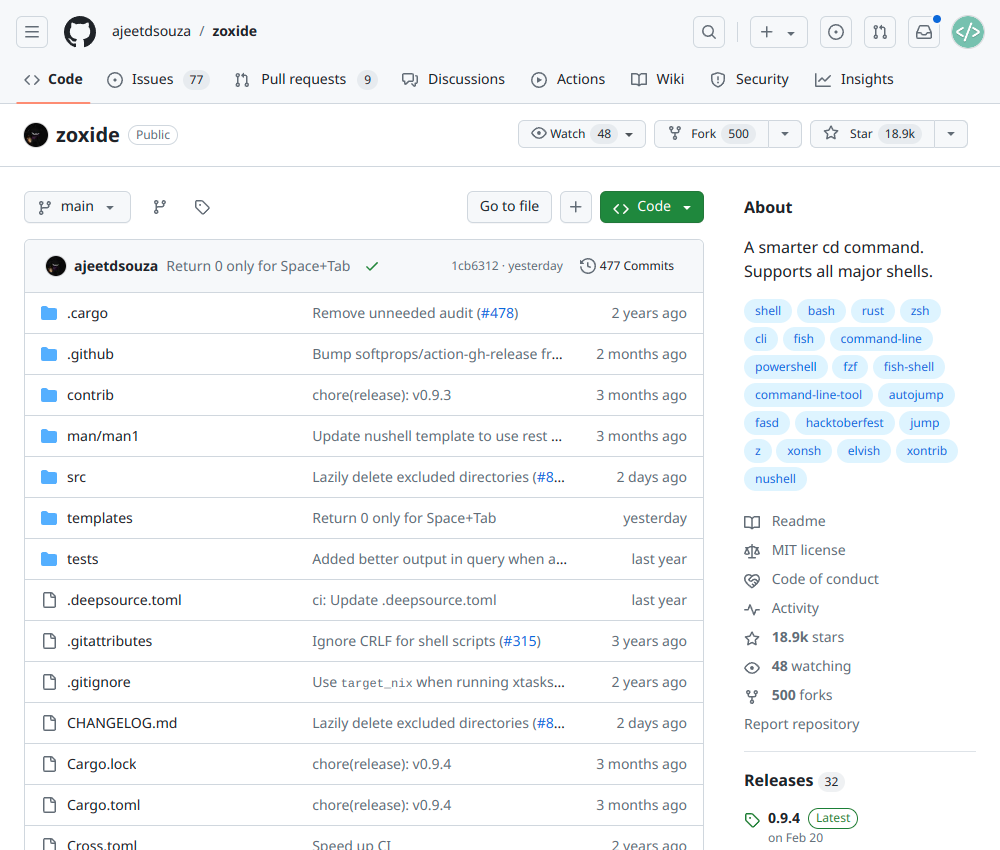
The library I will use is zoxide.
How to install on Linux
Run the following to install.
curl -sSfL https://raw.githubusercontent.com/ajeetdsouza/zoxide/main/install.sh | sh
How to install on MacOS
Use homebrew to install.
brew install zoxide
How to setup
After installation has been completed the library requires some set up.
Open the .zshrc file.
nano ~/.zshrc
Add the following to the end of the file.
eval "$(zoxide init zsh)"
Now try the z command to change to a directory.
z ~/Documents
It will store the directory so next time you can use the following command as the folder name will be remembered.
z Document